 Sandip Barman
Open Instagram right now. Scroll for thirty seconds. You will see it — that dreamy, slow-motion reel with the “Pehli Pehli Baar” song playing, soft golden transitions between romantic photos, and a cinematic vibe that makes you want to text your ex at 2 AM.
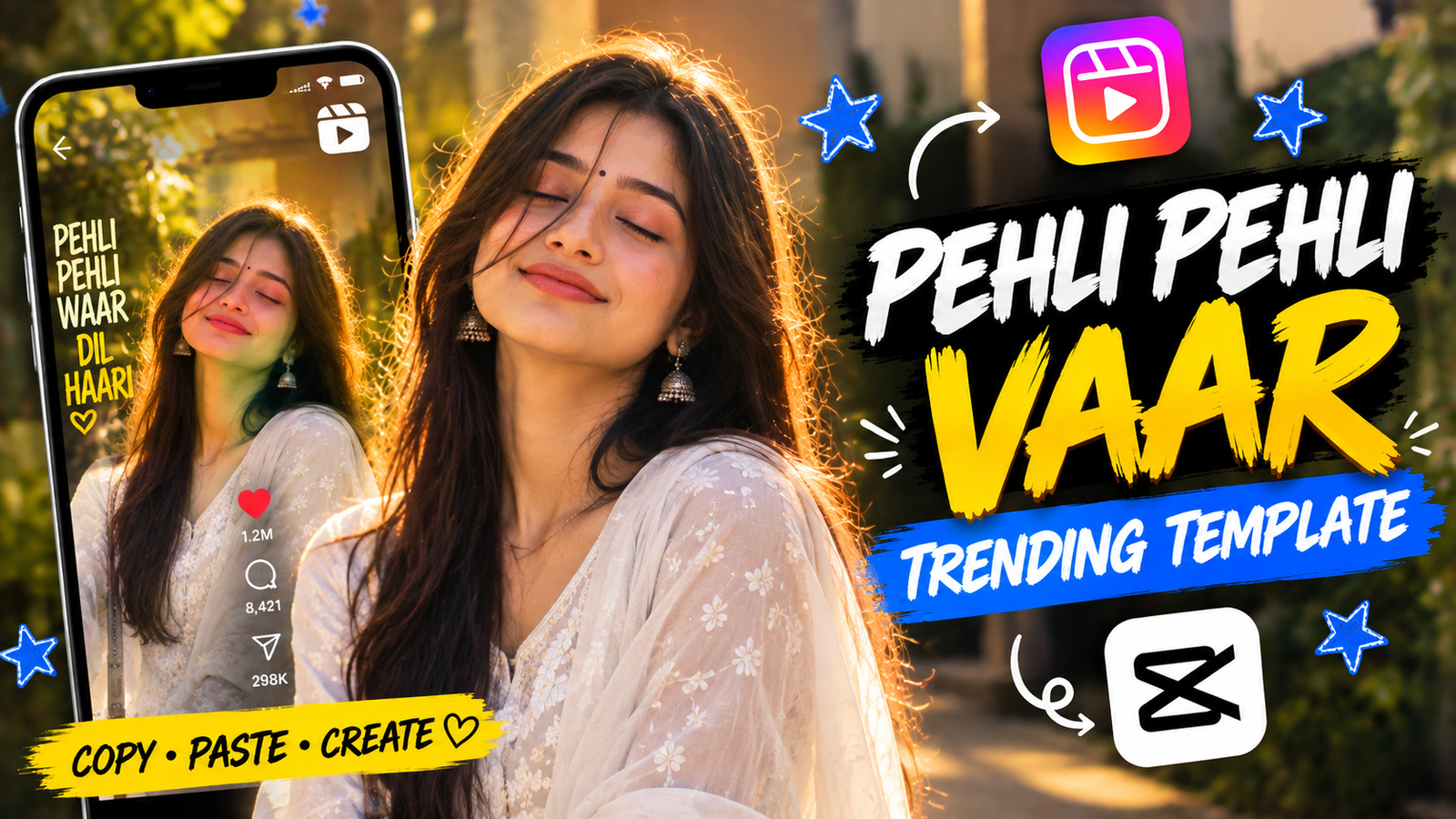
That’s the Pehli Pehli Baar CapCut template, and it’s arguably the biggest Instagram reel trend of the season.
But here’s the problem most people run into: the template is gorgeous, the song is perfect, but their photos? Not so much. Blurry selfies, awkward group pics, and random screenshots don’t exactly scream “cinematic Bollywood romance.”
That’s where AI comes in.
In this guide, we’ll show you exactly how to find and use the Pehli Pehli Baar CapCut template, and hand you 10 ready-to-use AI photo prompts that generate stunning, template-perfect images you can plug straight into CapCut. No camera, no photographer, no editing skills — just copy, paste, and post.
What Is the Pehli Pehli Baar CapCut Template?
Before we dive into the AI magic, let’s clarify what a CapCut template actually is.
CapCut is a free video editing app (owned by the same company behind TikTok) that offers pre-built video templates. These templates come with transitions, effects, music sync, color grading, and text animations already baked in. All you do is tap “Use Template,” select your photos or clips, and CapCut does the rest.
The Pehli Pehli Baar CapCut template is a specific viral template built around the iconic Bollywood song “Pehli Pehli Baar.” It typically features:
- 6–10 photo slots that transition in sync with the song’s beats
- Warm, golden-hour color grading applied automatically
- Slow zoom-in and parallax effects on each photo
- Soft blur transitions between frames
- Dreamy light leak and bokeh overlays
- Optional text overlays with romantic one-liners
The template does all the heavy lifting. Your only job is to provide photos that match the aesthetic — and that’s exactly where most people get stuck.
Pehli Pehli Baar CapCut Template

How to Use the Pehli Pehli Baar CapCut Template (Step-by-Step)
Now that you have your AI-generated photos ready, here’s exactly how to plug them into the template:
Step 1: Download and Open CapCut
If you haven’t already, download the CapCut app from the App Store or Google Play Store. It’s completely free.
Step 2: Find the Pehli Pehli Baar Template
Open CapCut and tap the “Templates” tab at the bottom. Use the search bar and type “Pehli Pehli Baar”. You’ll see dozens of variations — pick the one with the highest usage count for the most up-to-date version.
Pro tip: You can also find the template link directly from Instagram. When you see a reel using the template, look for the “CapCut · Try this template” button above the creator’s username. Tap it, and it will open directly in CapCut.
Step 3: Tap “Use Template”
Once you’ve selected the template, tap the “Use Template” button. CapCut will show you how many photo/video slots the template requires (usually 6–10).
Step 4: Insert Your AI-Generated Photos
Select the AI images you generated earlier from your phone’s gallery. Arrange them in the order that tells the best visual story — start with a wide establishing shot, move to close-ups, and end with the most emotional frame.
Step 5: Preview and Adjust
CapCut will automatically apply transitions, effects, color grading, and sync everything to the “Pehli Pehli Baar” audio. Preview the reel and check if any photo looks cropped awkwardly. You can tap individual slots to reposition or replace photos.
Step 6: Export to Instagram
Tap “Export” in the top-right corner. Choose “Save to device” or “Share to Instagram” directly. For the best quality, export at 1080p resolution and 30fps.
Step 7: Post with the Right Hashtags
When posting on Instagram, use hashtags like #PehliPehliBaar, #CapCutTemplate, #ViralReel, #AIArt, #InstagramTrend, and #TrendingTemplate to maximize discoverability.
Pro Tips to Make Your Reel Stand Out From the Crowd
- Match the photo mood to the song’s progression. The Pehli Pehli Baar track starts soft and builds to an emotional peak. Arrange your AI photos so the most dramatic, cinematic frame lands on the song’s chorus.
- Stick to portrait orientation (9:16). The CapCut template is designed for vertical phone screens. All the AI prompts above include “portrait 9:16” to ensure perfect fit.
- Keep the color palette consistent. The template applies warm grading, but your source photos should also lean warm. Avoid cold, blue, or neon-toned AI images — they’ll clash with the template’s aesthetic.
- Add a personal text overlay. After exporting from CapCut, open the reel in Instagram and add one short handwritten-style text line like “Woh pehli nazar yaad hai?” This personal touch dramatically increases saves and shares.
- Post during peak hours. The best time to post reels in India is between 7–9 PM IST on weekdays and 5–8 PM IST on weekends.
Final Thoughts
The Pehli Pehli Baar CapCut template is one of those rare trends where the barrier to entry is almost zero, but the output looks genuinely professional. And when you pair it with AI-generated photos that are tailor-made for the template’s aesthetic, your reel goes from “nice” to “how did you even make this?”
You now have 10 cinematic AI prompts, a complete CapCut walkthrough, and all the pro tips you need to create a reel that actually performs.
Don’t wait for the trend to peak — grab your favourite prompt, generate your photos, and drop that reel tonight.
👉 Want more CapCut-compatible AI photo prompts? Explore our full library of trending AI template prompts and stay ahead of every Instagram trend in 2026.
FAQs
1. What is the Pehli Pehli Baar CapCut template?
It’s a pre-built video template inside the CapCut app that automatically syncs your photos to the Bollywood song “Pehli Pehli Baar” with cinematic transitions, warm color grading, and dreamy effects. You just insert your photos and export.
2. How do I find the Pehli Pehli Baar template in CapCut?
Open CapCut, go to the “Templates” tab, and search “Pehli Pehli Baar.” Alternatively, when you see a reel on Instagram using the template, tap the “CapCut · Try this template” link above the creator’s name to open it directly.
3. Can I use AI-generated photos in the CapCut template?
Absolutely. AI-generated photos work perfectly as long as they match the template’s warm, romantic, cinematic aesthetic. The 10 prompts in this article are specifically designed for this purpose.
4. Is CapCut free to use?
Yes, CapCut is completely free to download and use. Some premium templates and effects require a CapCut Pro subscription, but the Pehli Pehli Baar template is available in the free version.
5. What photo orientation works best for this template?
Portrait orientation (9:16 aspect ratio) works best since the template is designed for Instagram Reels and phone screens. All the AI prompts in this guide include the 9:16 specification.
6. How long will this CapCut template trend last?
Most CapCut template trends peak within 2–4 weeks. However, the Pehli Pehli Baar song has evergreen appeal, so variations of this template tend to resurface during Valentine’s Day, monsoon season, and wedding season throughout the year.