 Sandip Barman
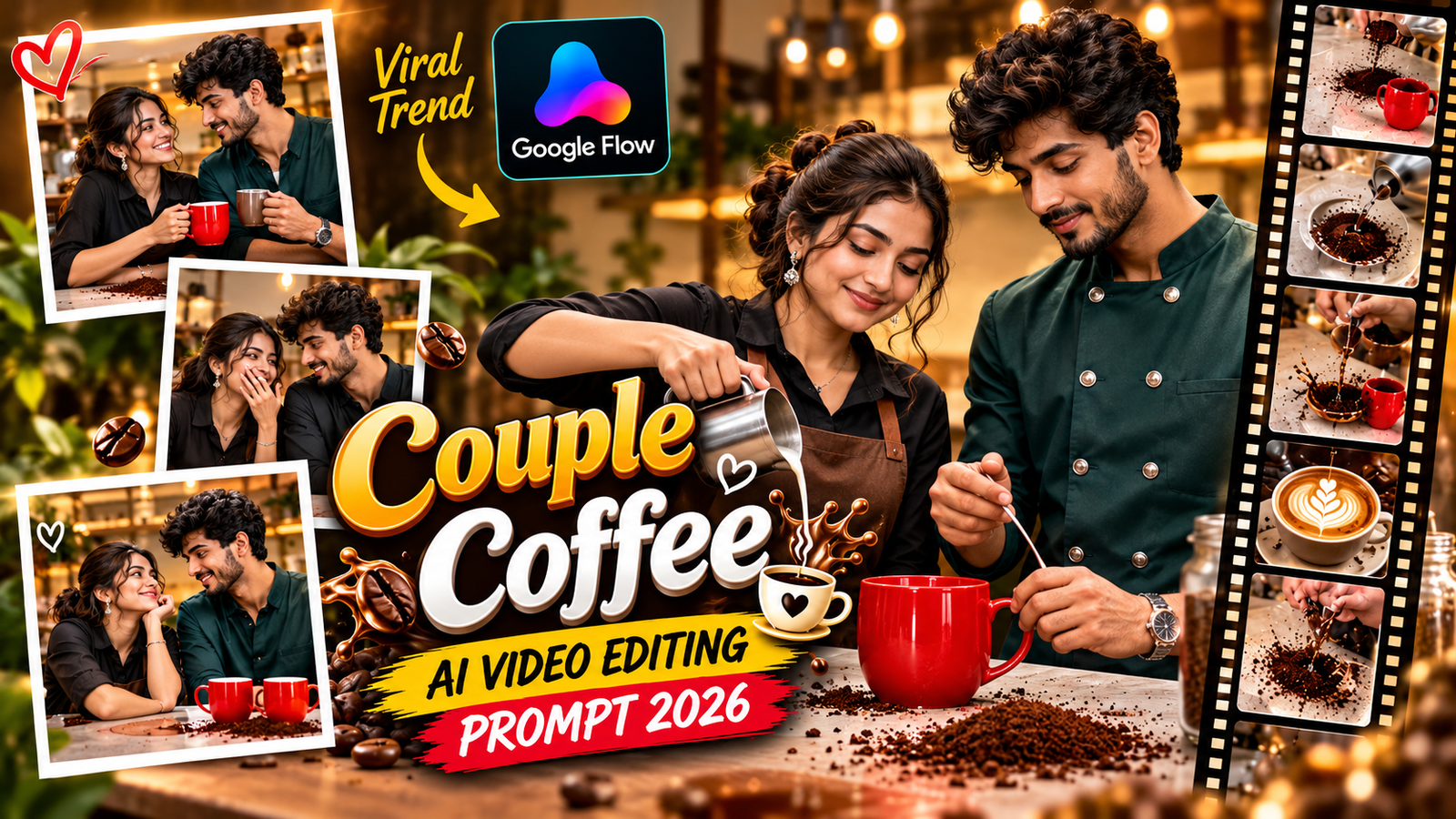
Want to create a cute and funny couple video for Instagram Reels using AI? The Couple Coffee Mess AI Video Prompt lets you transform two individual reference photos into a playful kitchen scene featuring coffee preparation, a sudden coffee spill, surprised expressions, and a romantic moment between two people.
This trend combines everyday couple chemistry with realistic AI video animation. Instead of recording a new video, you can use Google Flow with a motion-reference clip and your own photographs to recreate the scene with your identities.
Join Our Channels
Get the latest AI prompts, creative ideas and updates directly on your favourite app.
The best part is that you can preserve each person’s appearance while using the reference video for movement, timing, and camera positioning. In this Promptsaar guide, you will find a ready-to-copy Couple Coffee Mess AI Video Prompt, instructions for Google Flow, and useful tips for creating a smoother Instagram Reel.
What Is the Couple Coffee Mess AI Video Trend?
The Couple Coffee Mess trend is a playful AI video concept showing two people preparing coffee together in a kitchen. During the process, coffee powder accidentally spills or a cup creates a small mess. The couple reacts with surprise, looks at each other, and shares a funny, affectionate moment.
The Couple Coffee Mess AI Video Prompt is designed to recreate this type of scene using reference-based video generation.
The idea works especially well for:
- Romantic Instagram Reels.
- Funny couple videos.
- Relationship-themed short videos.
- Matching couple content.
- YouTube Shorts.
- AI-generated lifestyle videos.
What You Need Before Generating the Video
Before using the Couple Coffee Mess AI Video Prompt, prepare these three inputs.
| Required input | Purpose |
|---|---|
| Reference Video | Provides the original movement, timing, and camera direction |
| Image 1 | The person who appears on the left |
| Image 2 | The person who appears on the right |
Important: Use clear photographs of both people. The faces should be visible, and ideally the images should show their upper bodies.
Make sure you have permission to use the photographs and reference video.
Copy the Viral Couple Coffee Mess AI Video Prompt
Main Google Flow AI Video Prompt:
RECAST THE REFERENCE VIDEO using the 2 reference images provided.INPUTS:@video = Reference video (provides MOTION, TIMING, CAMERA and POSITION only)@image1 = Person who will appear on the LEFT side of the frame@image2 = Person who will appear on the RIGHT side of the frameTASK:In the reference video, replace the LEFT person entirely with @image1.Replace the RIGHT person entirely with @image2.Keep every action, gesture, movement, expression timing and body motionexactly as in the reference video.IDENTITY LOCK:Face, hair, skin tone, body shape, and outfit from each @image ONLY.@image1 face, hair, skin tone, body shape, outfit = locked. No deviation.@image2 face, hair, skin tone, body shape, outfit = locked. No deviation.NO CROSS-CONTAMINATION:Do NOT mix features between @image1 and @image2.Each character must remain fully distinct in every frame.FACE LOCK — CRITICAL:Each character's face must come ONLY from their @image reference.Do NOT blend, merge, or borrow any facial feature from the reference video people.@image1 face = only from @image1. @image2 face = only from @image2.Reference video faces = completely blocked. Zero face bleed. Zero facial mixing.HAIR LOCK — CRITICAL:Preserve exact hairstyle, hair colour, and hair length from each @image ONLY.Reference video hair = completely ignored.OUTFIT LOCK:Preserve each @image character's exact outfit, accessories, jewellery, glasses,face paint, footwear and every clothing detail from their reference image.Do NOT replace, simplify, or alter any clothing element.Reference video outfits = completely ignored.BODY SHAPE LOCK:Match each @image character's body proportions exactly to their reference image.ZERO REFERENCE VIDEO INFLUENCE — ABSOLUTE:Do NOT take ANY appearance element from the original people in the reference video.This includes face, skin tone, hair, eye colour, outfit, body type,facial structure, or any physical feature.The reference video provides MOTION and POSITION ONLY — absolutely nothing else.All visual identity comes EXCLUSIVELY from @image references.POSITION LOCK:@image1 always stays on the LEFT, @image2 always stays on the RIGHT,exactly matching the original positions, scale and spacing in the reference video.BACKGROUND LOCK:Background, location, props, lighting, colour grade and camera movement= UNCHANGED from the reference video. Do not touch.TEMPORAL CONSISTENCY:Both characters must look identical across every frame.No face flickering. No identity drift. No partial reversion.TEXT LOCK:Do NOT add any subtitles, watermarks, captions, or text overlays.Output video must be completely text-free.GLOBAL OVERRIDE — ALL SCENES ALL CUTS:Apply this recast to EVERY frame and every cut of the video.@image1 and @image2 WIN over the reference video people. Always. No exceptions.NO REVERSION to the original reference video people at any point. EVER.
How to Create the Couple Coffee Mess AI Video in Google Flow
Follow these steps to generate your video using the Couple Coffee Mess AI Video Prompt.
Step 1: Prepare Your Couple Photos
Choose two clear photographs:
- Image 1: The person who should appear on the left.
- Image 2: The person who should appear on the right.
Avoid heavily filtered photographs, dark selfies, and images where the faces are partially hidden.
Step 2: Open Google Flow
Visit Google Flow and open the video-generation workspace available to your account.
Check that your account has access to the reference-video and image-reference features needed for this workflow.
Step 3: Upload the Reference Video
Choose a suitable coffee-making couple video that you own or have permission to use.
The reference video should clearly show the actions you want to recreate, including:
- Preparing coffee.
- Handling the coffee mug.
- The accidental coffee mess.
- The couple’s reactions.
- The camera movement.
Step 4: Upload Both Reference Photos
Add the two photographs to their corresponding image-reference slots.
Keep the left and right character assignments consistent with the prompt.
Step 5: Paste the AI Video Prompt
Copy the complete Couple Coffee Mess AI Video Prompt and paste it into the prompt area.
Make sure the reference video and both image references are attached before generating.
Step 6: Generate and Review
Start video generation using the settings available in your account.
After generation, review:
- Whether both faces remain recognizable.
- Whether the left and right positions remain consistent.
- Whether the coffee movement looks natural.
- Whether the hands and mugs are properly formed.
- Whether the video follows the intended action sequence.
If something looks incorrect, request a targeted correction rather than changing the entire prompt.
How to Edit the Generated Video for Instagram Reels
After generating your video, you can use a video editor such as VN or CapCut to finish the Reel.
- Import the generated video into your editing application.
- Trim unnecessary opening and ending frames.
- Add a suitable romantic or playful background track that you have permission to use.
- Align the music with the coffee-spill moment.
- Add subtle color correction if necessary.
- Export using a vertical 9:16 format and a suitable resolution.
Avoid adding too many effects. The funny coffee moment and the couple’s natural reactions should remain the main focus.
Tips for Better Google Flow Couple Videos
- Use high-quality reference images: Clear faces help improve identity consistency.
- Keep the image assignments clear: Always identify which person belongs on the left and right.
- Choose a suitable motion reference: A reference clip with clear movements is easier to recreate.
- Avoid complicated actions: Too many simultaneous movements can increase visual errors.
- Describe coffee physics: Specify realistic powder movement, liquid behavior, and rising steam.
- Check character consistency: Inspect the entire video, not just the opening frame.
- Use natural expressions: Small smiles and surprised reactions often look more believable than exaggerated acting.
Frequently Asked Questions
1. What is the Couple Coffee Mess AI Video Prompt?
It is a text instruction for generating a playful couple coffee-making video using AI video generation. It describes character identities, kitchen actions, coffee movement, and the desired video style.
2. Can I use this prompt in Google Flow?
You can adapt it for Google Flow workflows that support the required video and image references. Available features may vary by account and product version.
3. Do I need two separate photos?
For this specific two-person workflow, two separate reference photos are recommended. They allow you to assign each person’s identity and screen position independently.
4. Can I use one couple photograph instead?
You can try adapting the prompt to use a single couple photograph if your selected video-generation workflow supports it. However, the separate-image method gives you clearer control over the two identity references.
5. Why do faces sometimes change during AI video generation?
Video models may struggle with facial consistency during movement, camera changes, or complex interactions. Clear reference imag